How to create a Transform Constraint
Add a Transform Constraint to an object
Use the Constraints section of the Inspector to add a Transform Constraint to an object.
Strength
The Strength property determines how much the constrained object is affected. A Strength of 0% means the constraint won’t have any effect. A Strength of 50% means half the value from the target will be applied.Transform Space
Source Space
Choose whether this constraint should use World or Local coordinates for the Source Space.Destination Space
Choose whether this constraint should use World or Local coordinates for the Destination Space.Example: mechanical arm
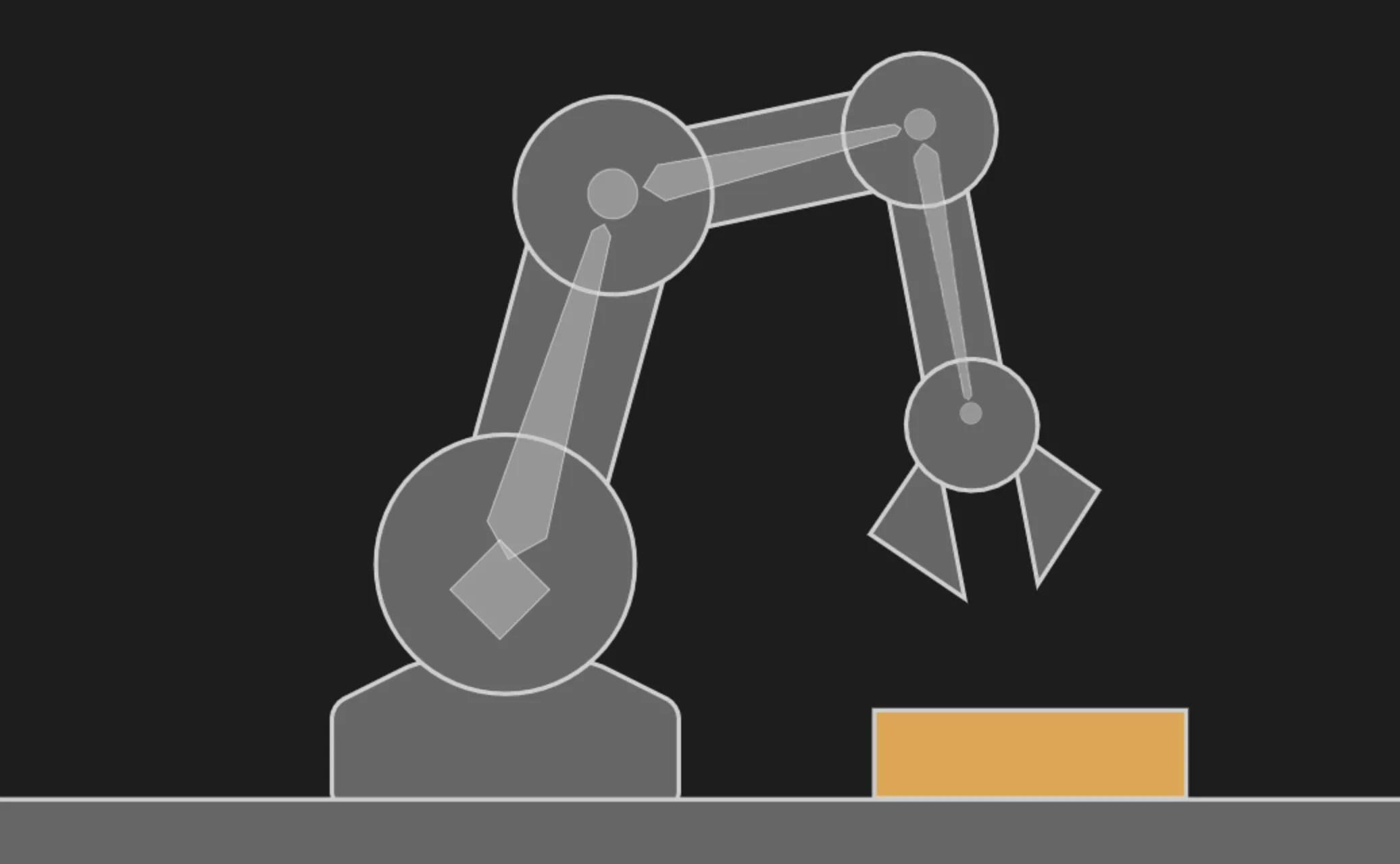
Consider the package resting on the table and the mechanical arm below.